WordPress isn’t slow by nature: it gets slow when it’s weighed down. The good news is that the causes are nearly always the same, and in most cases you can improve things a lot without rebuilding the website. Here they are, in order of impact.
First things first: measure
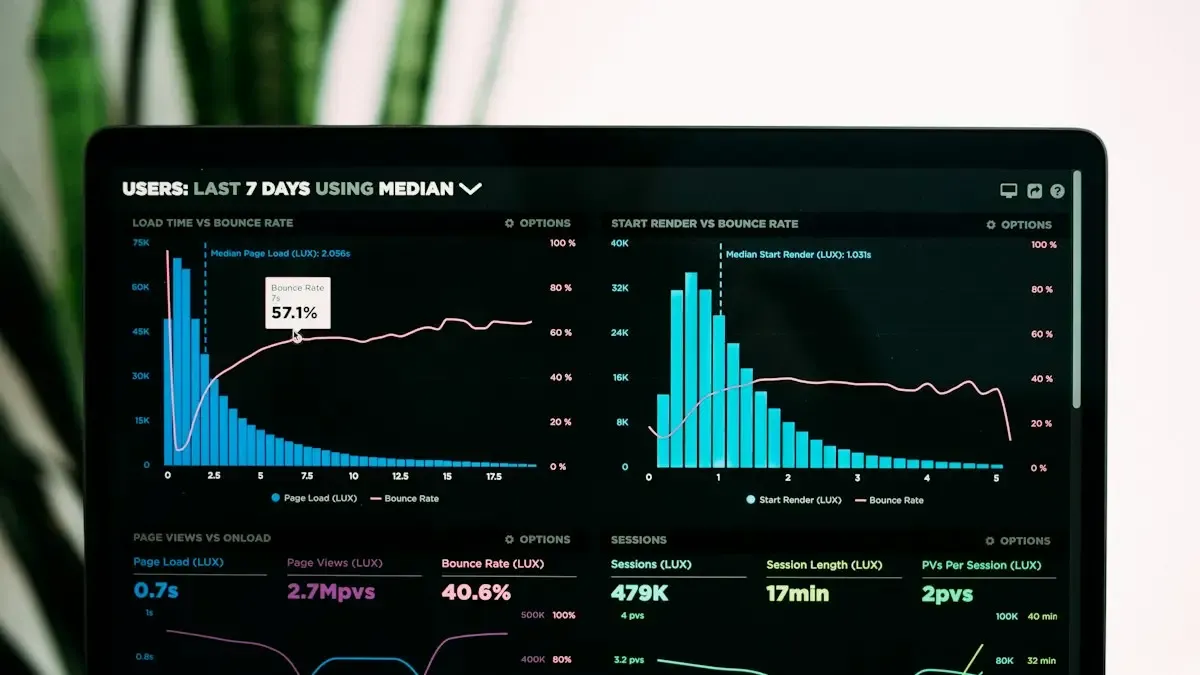
Open PageSpeed Insights, enter the address of your homepage and one or two key pages, and look at the mobile results. Note down the scores and the Core Web Vitals: you’ll need them to see whether your fixes are working.
Heavy page builders
Page builders let you create pages by dragging blocks around, but they often load a lot of code even where it isn’t needed. If your website is built with a heavy builder, sometimes the best fix is to slim down your most important pages or rebuild them with native blocks.
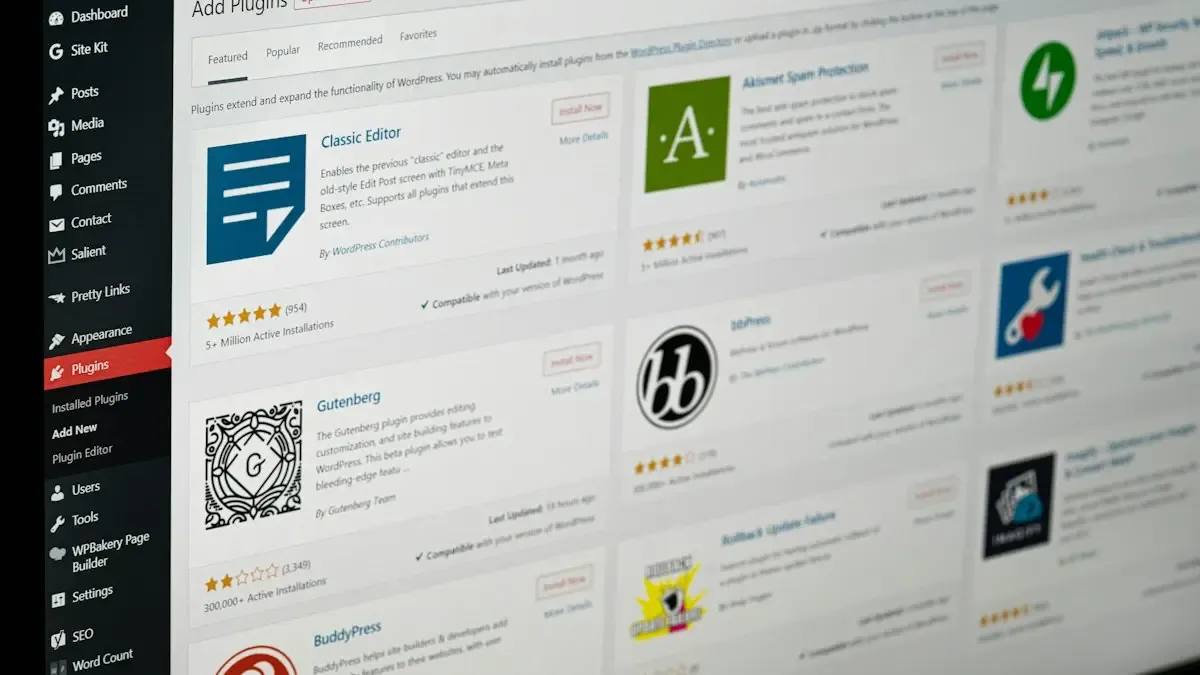
Too many plugins (or the wrong ones)
It’s not just the number that counts: it’s what they do. One plugin that loads scripts and styles on every page weighs more than ten lightweight ones.
- remove the ones you no longer use;
- replace plugins that do the same job;
- check which ones load files on every page even when they’re not needed.
Heavy images
This is the most common cause of a slow website. Multi-megabyte photos uploaded straight from the camera slow everything down.
- use modern formats like WebP or AVIF;
- upload images at the size they’re actually displayed;
- turn on lazy loading for images below the first screen.
Hosting and caching
Cheap shared hosting crammed with hundreds of websites responds slowly, and no amount of optimization fully makes up for it. Alongside decent hosting you need properly configured caching, file compression and, if your audience is international, a CDN.
Third-party scripts
Chat widgets, maps, videos, ad pixels, cookie banners, review widgets: every external service adds code to download and run. You don’t have to remove them, but load them only when they’re needed: the map only when the visitor scrolls to it, say, or the video only when they press play.
Fonts and the database
Too many fonts, or fonts loaded from external services, delay text from appearing: stick to a few weights, hosted on your own server. And a database stuffed with revisions, drafts and data from uninstalled plugins slows down the dashboard and sometimes the website: a regular clean-up helps.
After the fixes
Run the same measurements on the same pages again. Lighthouse will show the improvements straight away; the real-world visitor data Google uses for Core Web Vitals will update over a few weeks. And to keep your website fast over time, follow one simple rule: weigh up every new plugin or service for its performance cost too.