
In many small businesses, a big chunk of the day disappears into repetitive work: copying data, answering the same emails over and over, preparing near-identical documents. Today much of it can be automated with affordable tools and, where it helps, artificial intelligence. Here are the five places to start.
Before you start: choose what to automate
Not everything should be automated. The best candidates share three traits: they happen often, they follow clear rules and right now they involve copying information from one place to another. List the tasks in your week and mark the ones that tick all three boxes.
1. Quotes
Starting from the customer’s request and your price list, a system can prepare a draft quote in minutes. You check it, tweak it if needed and send it. The time saved is huge, especially if you write lots of similar quotes: electricians and plumbers, window fitters, builders, auto repair shops.
2. Documents you retype
Supplier invoices, delivery notes, orders, customer records: AI is now very good at reading the data from a PDF or a photo and entering it where it belongs, in your business software or a spreadsheet. Less copy and paste also means fewer mistakes.
3. Repetitive emails
Information requests, appointment confirmations, payment reminders: lots of emails always follow the same pattern. They can be sorted automatically by type, with draft replies personalized with the customer’s details, ready to review and send in one click.
4. Reminders and deadlines
Contract renewals, routine maintenance, customer follow-up calls, chasing quotes that haven’t been accepted yet: a system of automatic reminders stops things slipping through the cracks and wins back work you’d otherwise lose.
5. Reports and numbers
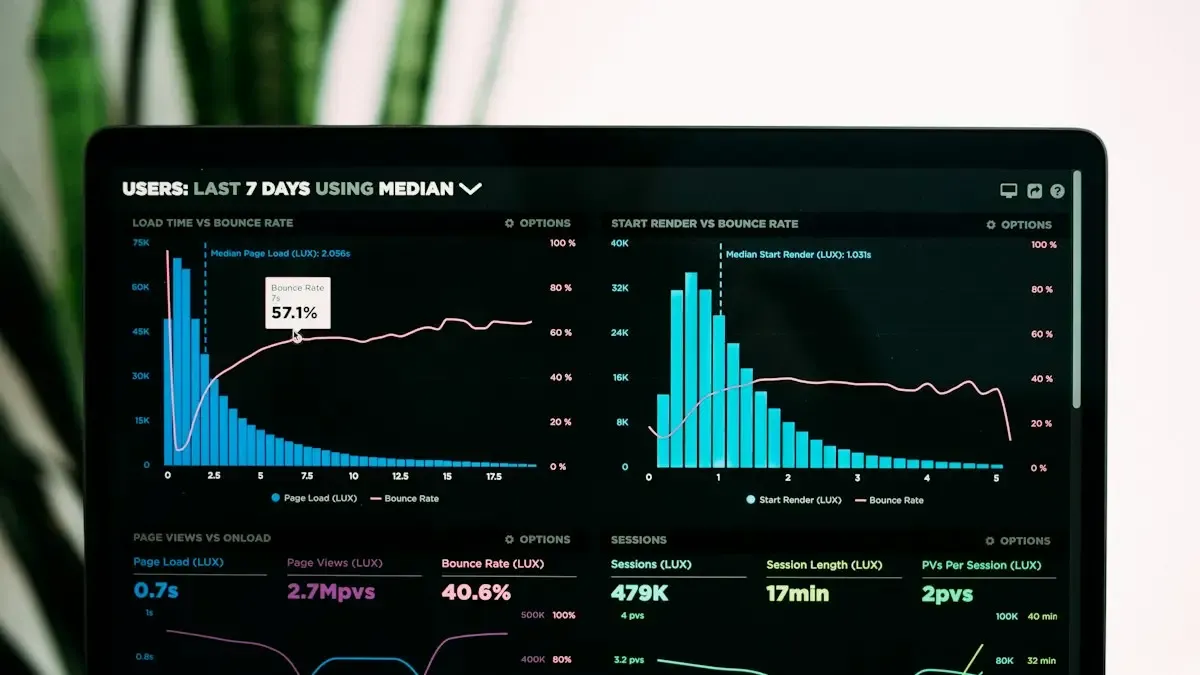
How many quotes did we send this month? How many were accepted? How long between request and reply? Instead of piecing it together by hand, a dashboard that updates itself shows you the numbers that matter, all the time.
How to start without turning everything upside down
- Pick just one process, the one that wastes the most time.
- Measure how long it takes today.
- Try a simple solution that connects to the tools you already use.
- Measure again after a month.
- If it works, move on to the next process.
And be careful with customer data: use professional services and set everything up in line with GDPR.